
What Is an Occlusion?
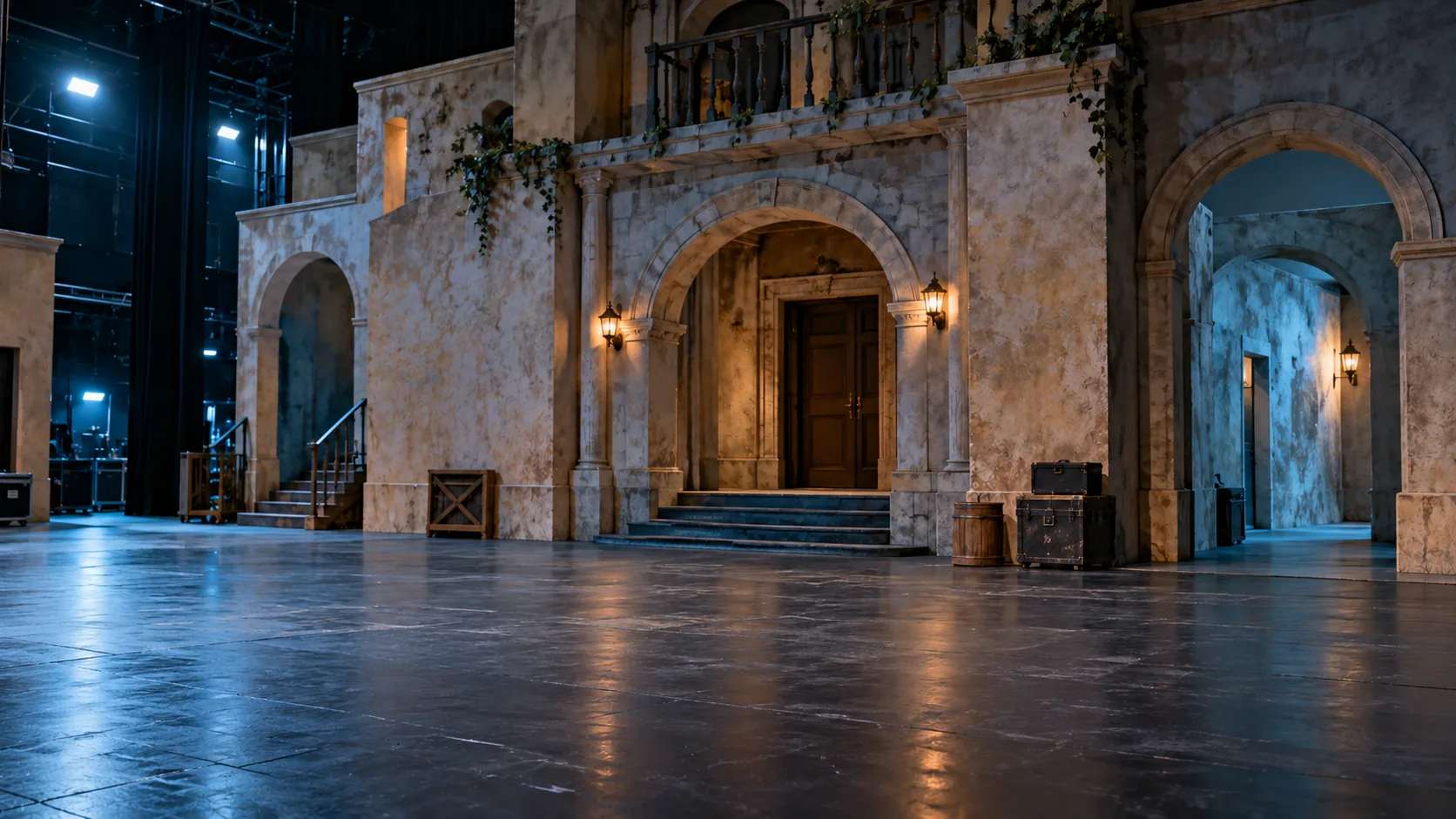
An occlusion is a surface hidden from a particular capture position. A doorway return, balcony or scenic object can block the view behind it. A dense scan of the visible face does not supply measured detail for the face it cannot see.
Start with the Surfaces That Matter
Mark the intended projection surfaces on a plan or reference photograph. Include side returns, recesses, ceilings and adjoining planes when the production team needs them. Identify surroundings that matter to planning, such as columns or large scenic objects. Agree what can be omitted as well as what must be captured.
For a layered show set, a front view may describe the main facade well while leaving an inner arch or the back of a return incomplete. Those areas need to be considered in the capture plan; they should not quietly become assumed geometry later.
Review Visibility and Access Together
The capture team determines suitable positions and overlap for its equipment and registration workflow. Your brief should flag inaccessible areas, temporary obstructions and surfaces that will change before installation. Ask the team to report gaps and exclusions with the delivery so the receiving designer can work around known limits.
- Which visible edges and recessed planes are essential?
- Can temporary obstructions be moved with the venue’s agreement?
- Who will review the coverage before media production starts?
Capture Coverage and Projection Coverage Are Separate Checks
A captured surface is a spatial reference. It does not establish that a projector can illuminate it from a proposed position. The AV team still evaluates optics, throw, shadows, overlap and on-site calibration. Keep that review visible in the schedule rather than treating a complete dataset as a complete show plan.
Build the capture brief and agree the handoff review before committing dependent work.
Further Reading
Leica Geosystems: capture planning and registration workflow; Disguise Designer: spatial planning and projection simulation.